Sol-Incinerator Guide – Reclaim SOL Rent Instantly
Turn your wallet trash into SOL cash. Reclaim your Rent deposits by purging unwanted digital assets.
Why Use Sol-Incinerator?
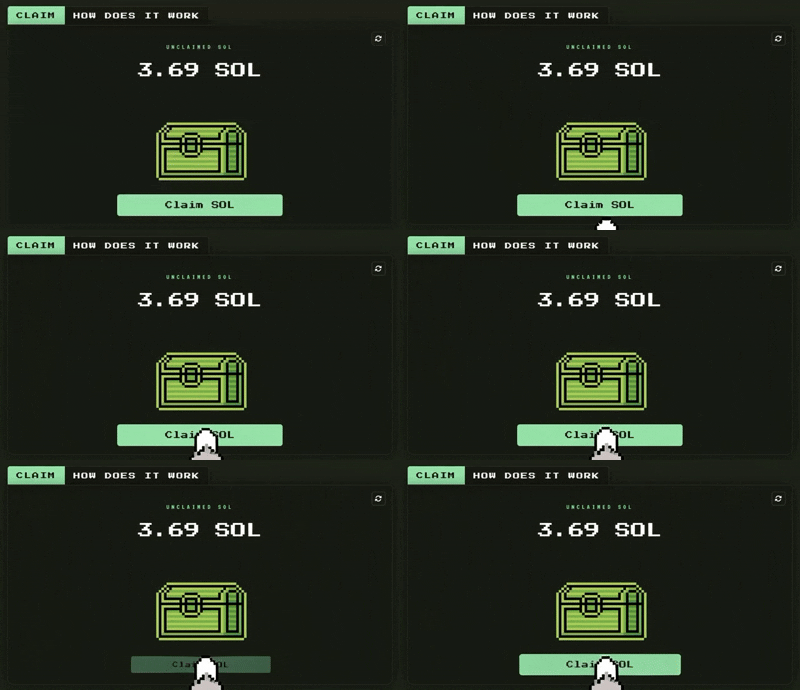
Reclaim SOL
Get back the rent deposits from old accounts. While small per item, it adds up to significant SOL rewards.
Enhanced Safety
Remove malicious or deceptive scam tokens from your view, making your wallet easier to manage.
Bulk Purge
Save time by selecting hundreds of unwanted assets and incinerating them in a single transaction.
How to Get Started
- 1. Connect a trusted wallet (e.g., Phantom or Solflare).
- 2. Let the tool scan for empty accounts, spam tokens and unwanted NFTs.
- 3. Select items and confirm the burn transaction.
- 4. Receive your reclaimed SOL instantly in your wallet.
Pro Tip: Burn Responsibly
Always double-check your selection! Once an asset is burned, it is permanently gone from the blockchain. Make sure you truly have no use for the item before hitting the burn button.
Stop wasting space, start reclaiming SOL
Join thousands of users who have already cleaned their wallets and recovered their rent deposits.
Clean your Solana Wallet now
Deep Dive into Solana Account Rent & Ecosystem Hygiene
On Solana, every token account requires a small rent deposit of approximately 0.002 SOL to remain active on the blockchain. When you sell or transfer tokens, these accounts often stay open and continue locking up SOL. Sol-Incinerator helps you close these empty accounts and reclaim your rent instantly.
The tool is especially useful for active traders and meme coin degens who receive many airdrops and dust tokens. It also allows burning unwanted NFTs and spam tokens in Pro Mode.
Technical Mechanics
Sol-Incinerator uses Solana’s native close account functionality in a user-friendly interface. It supports batch processing so you can clean hundreds of accounts in one transaction while keeping fees minimal.
Long-Term Security Hygiene for Web3 Wallets
Regular wallet cleaning reduces your attack surface, improves overview and keeps your main assets safer. Always use official links and never approve suspicious transactions.
Frequently Asked Questions
How does it work?
Is it safe?
Will it jeopardize my airdrops?
Why don’t I have anything to claim?
Looking for the classic UI?
Need more help?
KryptoNews 2026 – Your Guide to the Solana Ecosystem.